Favorite Matters Tab on Dialogs
Related Topics
A convenient Favorite Matters tab is now included on the File > Save, File > Copy and Direct Access dialogs so you have the option to quickly fill in form fields on those dialogs.
Click the Favorite Matters tab on the File > Save dialog to quickly populate a document’s profile with Favorite Matter data as you save a file.

-
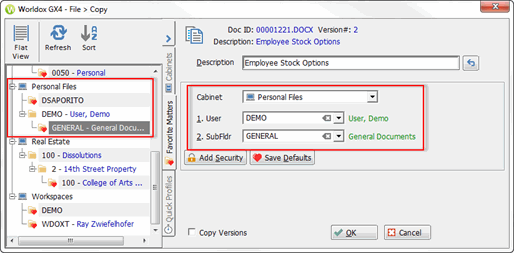
Click the Favorite Matters tab on the File > Copy dialog if you want to expedite the process of copying a file and use certain Favorite Matter data.
-
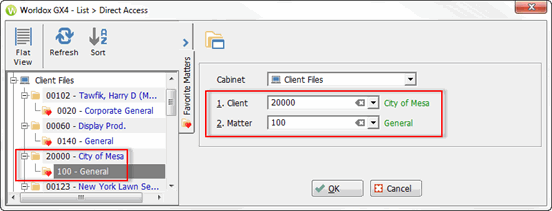
Click the Favorite Matters tab on the Direct Access dialog so you can double-click a matter and quickly navigate to that location.