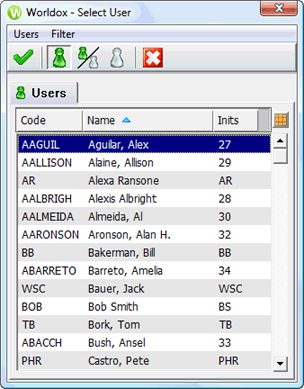
Used in setting or changing file ownership/security, also in creating Audit notification rules.
Taking action
Highlight (select) the user(s) you want, then click Select in the toolbar. To filter the list:
• Click Active Only in the tool bar to display active users only.
• Click Show All to display both active and inactive users.
• Click Inactive Only to display inactive users only.
TIP: To select all users at once. select Tag > All from the Users pull-down menu. |